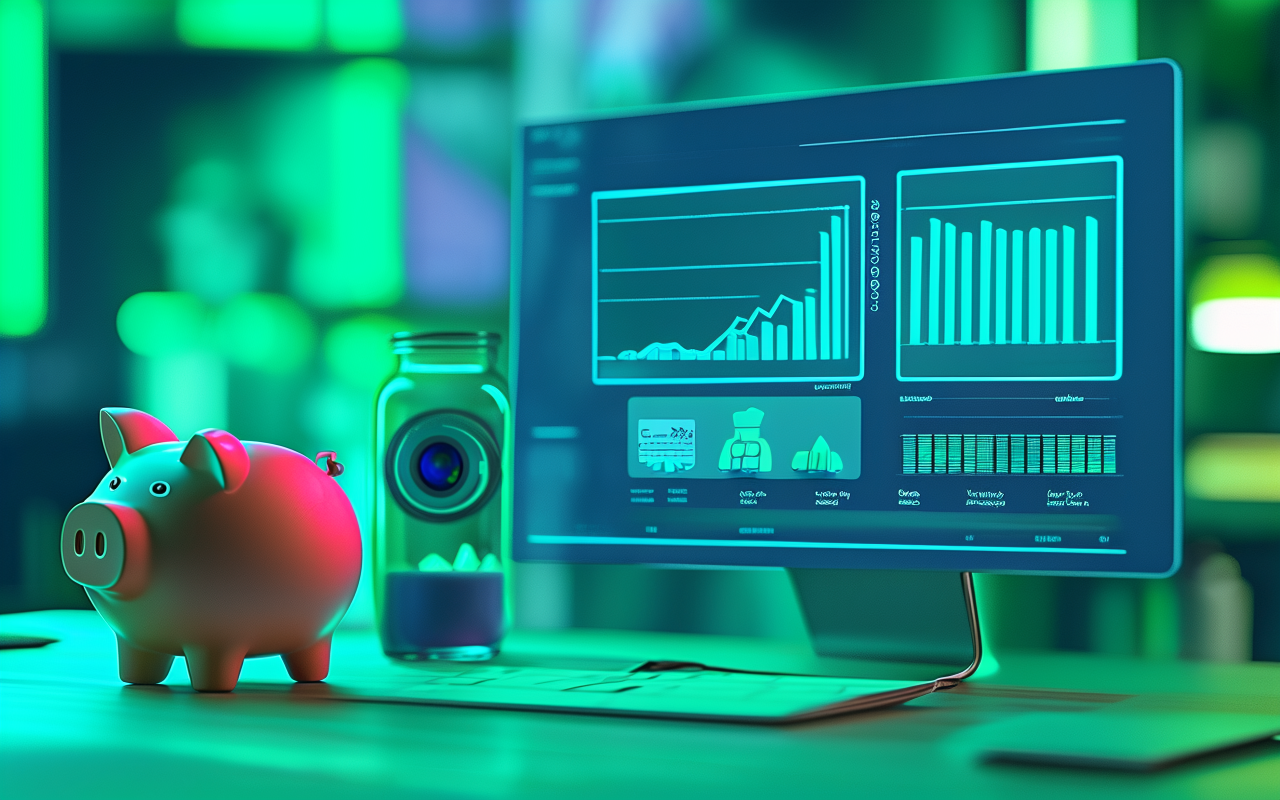
Your AI video bill is higher than it needs to be
The fastest way to waste money on AI video is using expensive models before you know what works. Here's how to control costs without killing experimentation.
I've seen teams burn through $200 in AI video credits in a single afternoon and end up with nothing usable. Not because the tools were bad. Because they had no system for how they spent.
Here's the pattern I keep seeing: someone has an idea → they pick the most expensive model → they write a vague prompt → it comes back mediocre → they try again with a slightly different prompt → six runs later they're out of budget and out of patience.
The fix isn't to stop experimenting. The fix is to make your spending visible and intentional.
The three reasons AI video spend gets out of control
After watching dozens of teams go through this, the patterns are always the same:
1. Premium models for everything. Including the first draft. Including the test that's clearly not going to work. Including the thing you're only making because a client asked for three options.
2. No distinction between draft runs and final runs. Every generation costs the same amount of attention panic, so teams treat every run like it needs to be perfect. It doesn't. Drafts should be cheap and fast.
3. No tracking on failures. I've seen teams run the same difficult prompt four times on an expensive model, spending $12 each time, when they could have figured out on a $2 run that the prompt needed rewriting.
A cost system that actually works
I use a three-step system. It's not clever. It just prevents the most expensive mistakes:
Step 1: Explore cheap. Every new idea starts on the lowest-cost model that can communicate the visual concept. The goal is not "good video." The goal is "do we even want to go in this direction?"
Step 2: Validate intentionally. Once you have a direction, run a mid-tier version. Review it honestly. If it's not working, go back to Step 1 — don't throw premium credits at a broken concept.
Step 3: Finalize sparingly. Premium models are for the 20% of outputs that have been validated and need to look their best. Most projects never reach this step, and that's perfectly fine.
Why tracking matters more than you think
AI video generation is async. You submit a prompt, wait a bit, come back, check the result. If you're running multiple jobs, it's incredibly easy to lose track of:
- Which tasks are still pending
- Which ones failed silently
- Which model actually produced the best result for the money
- Where your workflow is slowing down
Without that visibility, teams tend to overspend just to feel like progress is happening. It's the AI video equivalent of clicking the button twice because the page is loading slowly.
What to do when a generation fails
Failed generations are annoying, but they're also information. Here's what I check:
- Did the prompt make sense for this model? (Some models handle fast motion better, some handle detailed scenes.)
- Was the duration appropriate? (A 15s run with a complex prompt is more likely to fail than a 5s run.)
- Did the model fail technically or creatively? (Technical failure → try again. Creative failure → rewrite the prompt.)
The worst response to a failure is immediately upgrading to a more expensive model. That's your budget screaming for help, not a solution.
The one rule that saves the most money
Here it is:
Test the idea on cheap credits. Validate the structure on mid-tier credits. Polish the winner on premium credits. Never skip a step.
That's it. Everything else is detail.
How MakeClipAI handles this
MakeClipAI shows credit costs before you submit, tracks task status after submission, and makes failed-run handling predictable. The goal is to make the cost visible so you can make better decisions, not to hide it in a monthly invoice.
Related reading
Ready to create your own AI video?
Turn the ideas from this guide into a finished clip with MakeClipAI. Start with the generator for a quick prompt, or use AI Director mode when you want a multi-scene storyboard.
More Posts
Can you make money with AI-generated videos? What I learned in 3 months
I spent 3 months testing AI video tools for real money-making use cases — ecommerce listings, social ads, client work. Here's what actually paid off.

Don't use the expensive model. Not yet.
Most teams waste money on premium AI video models before they know what they're making. Here's a simple ladder: test cheap, validate smart, polish only when it matters.